
The safest plan for most students: buy a short-term eSIM before you leave to cover your first few days, then decide whether you need a local SIM once you know how good the school Wi-Fi is. Philippine SIMs must be registered with your identity, and a SIM registered as a tourist is valid for only 30 days, so plan ahead if you are staying 5 weeks or more.
Internet for Philippines study abroad: the short answer
For most students, the safest plan is to buy a short-term eSIM before you leave to cover your first few days, then decide whether to get a local SIM card once you see how good the school Wi-Fi is.
If you are studying for 4 weeks or more, there is one thing many people do not know: the Philippines requires SIM card registration. Under the SIM Registration Act (RA No. 11934), a SIM registered as a tourist has only a 30-day temporary validity and is deactivated automatically when it ends.
Below we go through the situations you are likely to face, step by step, to help you pick the right option.
What are the ways to get online while studying in the Philippines?
Students usually choose from four options:
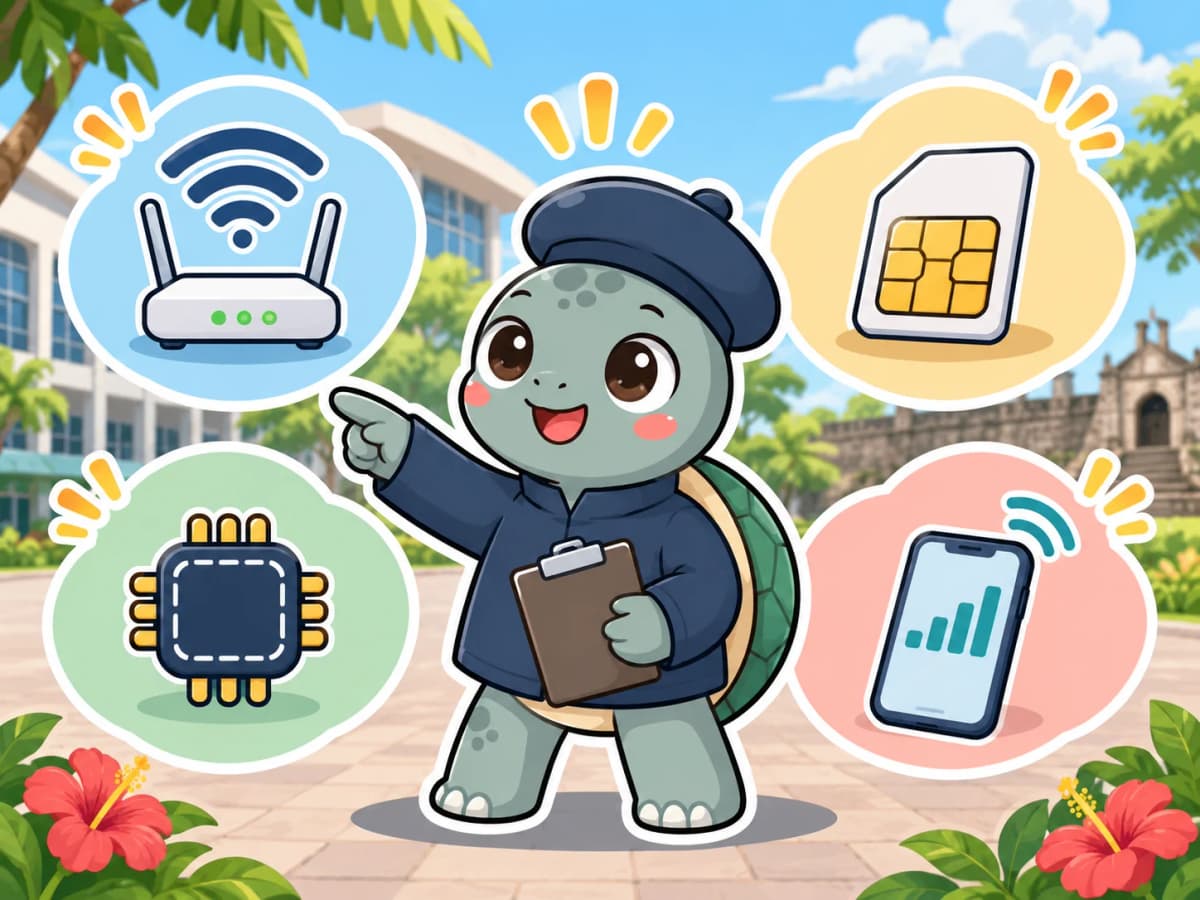
| Option | Pros | Cons | Best for |
|---|---|---|---|
| School or dorm Wi-Fi | No extra cost | Can slow down at peak times, weak signal in some dorm corners, not available when you are out | People who spend most of their time on campus |
| Local physical SIM card (e.g. Globe, Smart) | A local number for SMS verification codes for ride-hailing, food delivery and so on | Requires identity registration and documents; you have to swap SIM cards | Students staying 4 weeks or more who often go out on weekends |
| Travel eSIM (bought before you leave, in your home country) | Online as soon as you land, no SIM swap | Your phone must support eSIM; usually no local number; plans are often priced by number of days | Your first few days, or short stays of 1–2 weeks |
| Roaming with your home carrier | You keep your home phone number and setup is the simplest | Usually poor value for longer stays | People who must receive calls or SMS verification codes on their home number |
Note: plan prices and data allowances change quickly, so this article does not list prices. Please check the official plan at the time you buy.
Why school Wi-Fi alone may not be enough
Most language schools in the Philippines provide Wi-Fi, but there are several moments in a study-abroad stay where school internet cannot help:
- Arrival day: on the way from the airport to school, when contacting your pick-up staff or telling your family you landed safely, you do not have school Wi-Fi yet.
- Weekend trips: island hopping, shopping malls and hailing a ride all need mobile data.
- Peak hours: in the evening, when everyone is online or on video calls after class, speeds can drop noticeably.
- Dorm location: if your room is far from the access point, the signal can be unstable; when choosing a room type, see our guide to choosing accommodation for studying in the Philippines.
Network quality varies a lot between schools, so ask the school or an advisor before you enrol: Does the Wi-Fi cover dorm rooms? Are there time or data limits? How do students usually get online when they are out?
Do foreigners have to register a SIM card in the Philippines?
Yes. The Philippines' SIM Registration Act (RA No. 11934) requires SIMs provided by local carriers to be registered before they are activated. Globe's official explanation also states that it applies to both locals and foreigners and covers both physical SIMs and eSIMs. A local SIM that has not been registered will not be activated.
What do you need to register as a tourist?
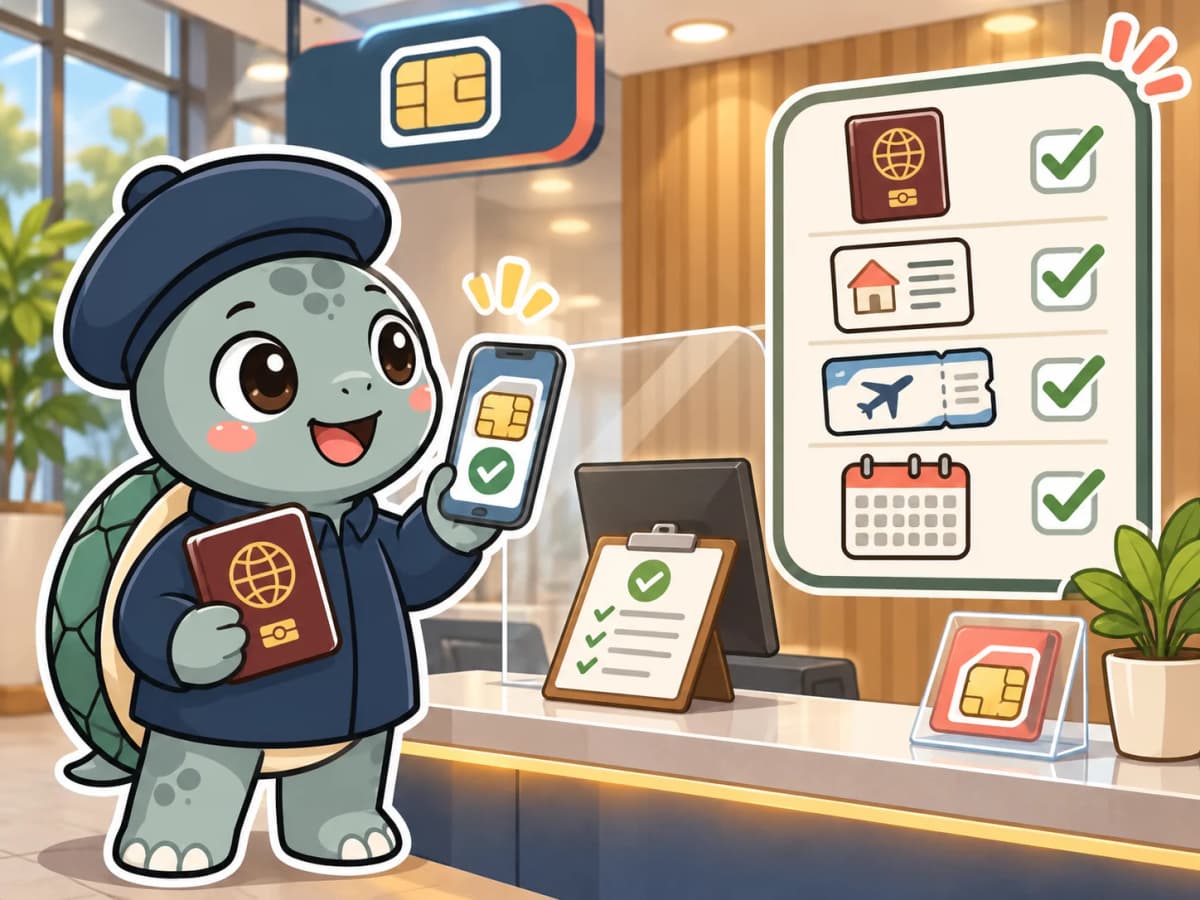
Under RA No. 11934 and Globe's guidance, tourists need to prepare:
- Passport (Globe also asks for the data page and your current visa or entry stamp)
- Proof of a Philippine address (for example an accommodation booking, or a signed statement from the host)
- A return ticket home or an onward ticket to another destination
Students can usually use their school dorm details as proof of address, but whether the school can issue an official document, please confirm with the school beforehand.
How does the 30-day validity affect students?
This is the most important point in this article. RA No. 11934 and the NTC implementing rules state that a SIM registered as a tourist has only a 30-day temporary validity and is deactivated automatically when it ends. Do not assume that an extension after expiry is guaranteed.
- 1–4 weeks of study: usually within 30 days, so little impact.
- 5 weeks or more: your SIM card may be deactivated partway through your stay and you will need to deal with it. We have not found an official step-by-step explanation of how to extend it or re-register under another status, so we suggest asking the school before you leave and confirming with a carrier store once you are there.
What should long-stay students watch out for?
For foreigners in "other visa categories", RA No. 11934 lists additional registration documents: besides a passport and proof of address, you may also need an ACR I-Card, and students need proof of school registration and a student ID. A student's status and visa arrangements differ depending on length of stay (see our guide to the Philippines study visa and SSP), so which set of documents applies to you, we recommend following the latest instructions from the carrier store and your school.
Do I also have to register a travel eSIM bought before I leave?
It depends and cannot be generalized. Philippine law clearly covers SIMs and eSIMs provided by local carriers; for a travel eSIM bought abroad, it depends on the provider, its roaming partner carrier and the activation process, and we have not found an official statement that covers all travel eSIMs. Please check the conditions of the plan directly with the provider before you buy.
Which internet option for how long you study?
| Length of study | Suggested combination | Why |
|---|---|---|
| 1–2 weeks | Travel eSIM + school Wi-Fi | Short stay, so no need to spend time on identity registration |
| 3–4 weeks | Travel eSIM for the first few days, then a local SIM at school if needed | You can see whether the school Wi-Fi is enough before deciding |
| 5–12 weeks | Local SIM + school Wi-Fi; keep roaming on your home number or switch it off, as needed | A local number is more convenient, but keep the 30-day tourist registration validity in mind |
| Families / minors | One parent's phone with mobile data as the main line | Easier to contact the school and arrange pick-ups; the child's own internet use follows school rules |
Still deciding how long to stay? Start with how long to study in the Philippines.
Pre-departure internet checklist
You can go through this checklist together with the Philippines study abroad packing list and the Philippine entry process (eTravel):
- Check that your phone supports eSIM and is carrier-unlocked (needed to use a local SIM)
- Buy an eSIM for your first few days and install it before you leave home (activate it after you land)
- Decide what to do with your home number: roaming, switching it off or voicemail; sort out any banks or accounts that need SMS verification first
- Prepare copies of your passport, your dorm address and your return ticket as digital files, for when you register a local SIM
- Ask the school: does the Wi-Fi cover the dorm, are there time limits, and can they provide proof of address
- Save the contacts of your pick-up staff and the school office on your phone and keep a screenshot backup
- Turn off unneeded mobile data and roaming before you fly, so you do not rack up charges the moment you land
Who this advice is for, and who it is not
Suitable for: first-time students in the Philippines staying 2–12 weeks who want the easiest way to sort out internet.
Not suitable for: people working or living in the Philippines long term. Your visa and SIM registration documents are different, so follow the rules of the carrier and the immigration authority.
Keep your phone and personal data safe while you are away too; see also whether studying in the Philippines is safe.

Let an advisor help you check
Internet is only a small part of pre-departure preparation, but it often decides how smoothly your first day goes. Ambitious Learner can help you check the Wi-Fi situation at your target school and the dorm proof of address, and put together a pre-departure checklist based on how long you will study.
You can also start by comparing language schools in the Philippines to see each school's courses and accommodation.
Book a Free Study Abroad Consultation →An advisor helps you sort out the right country, school, and departure timeline
FREQUENTLY ASKED QUESTIONS
FAQ
Q01Do I have to buy a local SIM card for study abroad in the Philippines?+
Not necessarily. If you stay 1–2 weeks and mostly stay on campus, a travel eSIM plus school Wi-Fi is usually enough. Consider a local SIM if you stay 4 weeks or more, often go out on weekends, or need a Philippine number to receive SMS.
Q02What do foreigners need to bring to get a local SIM card in the Philippines?+
Under the SIM Registration Act (RA No. 11934) and Globe's guidance, tourists usually need a passport, proof of a Philippine address, and a return or onward ticket. Other visa categories may also need an ACR I-Card, a work permit, or school registration proof and a student ID; the actual documents depend on the carrier's latest requirements.
Q03Why is a tourist SIM card in the Philippines valid for only 30 days?+
RA No. 11934 and the NTC implementing rules provide that a SIM registered as a tourist has a 30-day temporary validity and is deactivated automatically when it ends. If you study for 5 weeks or more, do not assume an extension after expiry is guaranteed; before you leave, confirm with your school and the carrier which status, documents and procedures are available.
Q04Do I have to register again in the Philippines for a travel eSIM bought before I leave?+
It depends and cannot be generalized. Philippine law clearly covers eSIMs provided by local carriers; for a travel eSIM bought abroad, it depends on the provider, its roaming partner carrier and the activation process. Check directly with the provider before you buy, and do not judge by the word "eSIM" alone.
Q05Is language school Wi-Fi enough on its own?+
It depends on the school, your dorm location and peak hours. On the way to school, on weekend trips, when hailing a ride, on video calls, or in the evening when many people are online, mobile data is more reliable than Wi-Fi alone. Before you enrol, ask about dorm coverage, usage limits and backup options.
Q06What is the minimum I should do before departure?+
Check that your phone supports eSIM or is unlocked, arrange internet for your first few days, back up the contacts of the school and your pick-up staff, deal with SMS verification for your home number, and save your passport, accommodation address and return ticket as offline files.